 JA
JA  EN
EN  DE
DE  IT
IT  FR
FR  RU
RU  ES
ES  PT
PT  KO
KO  DA
DA  TH
TH  MN
MN  VI
VI  AR
AR 
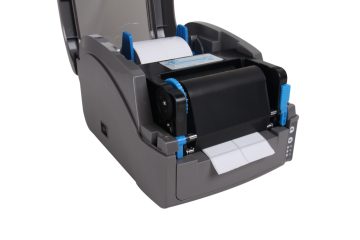
How To Use The Label Printer?
First, install software, drivers 1. Insert the CD into the CD-ROM drive. If it does not start automatically, open the file on the CD-ROM and double-click "Setup.exe". Installation tips Step by step to install the P-touch software. 2. Follow the prompts to select the labeler driver model. When prompted, connect your label printer to the computer using the USB cable and turn on the labeler. Once the labeler is detected, the driver will be installed automatically. Second, connect to the computer Connect the label printer to your computer using the interface cable. Third, install the ribbon 1. Select the type of ribbon according to the type of label machine used. […]