 FR
FR  EN
EN  DE
DE  IT
IT  RU
RU  ES
ES  JA
JA  PT
PT  KO
KO  DA
DA  TH
TH  MN
MN  VI
VI  AR
AR Ink waste not only increases costs in daily printing but also affects equipment efficiency. Proper use and optimized settings can effectively reduce unnecessary consumption.
1. Use the Appropriate Print Mode
For everyday documents, choose "Draft Mode" or "Economy Mode" to reduce ink consumption without affecting readability.
2. Avoid Frequent Power On/Offs
Inkjet printers automatically clean themselves upon startup, consuming ink. Reducing frequent power on/offs helps minimize wear and tear.
3. Print Regularly to Prevent Printhead Clogging
Long periods of inactivity can cause the printhead to dry out, requiring additional cleaning and wasting ink. It's recommended to print small amounts of documents regularly to keep the printhead clear.
4. Use Appropriate Fonts and Layout
Choosing ink-saving fonts (such as thin-line fonts) and proper layout can reduce ink consumption while maintaining readability.
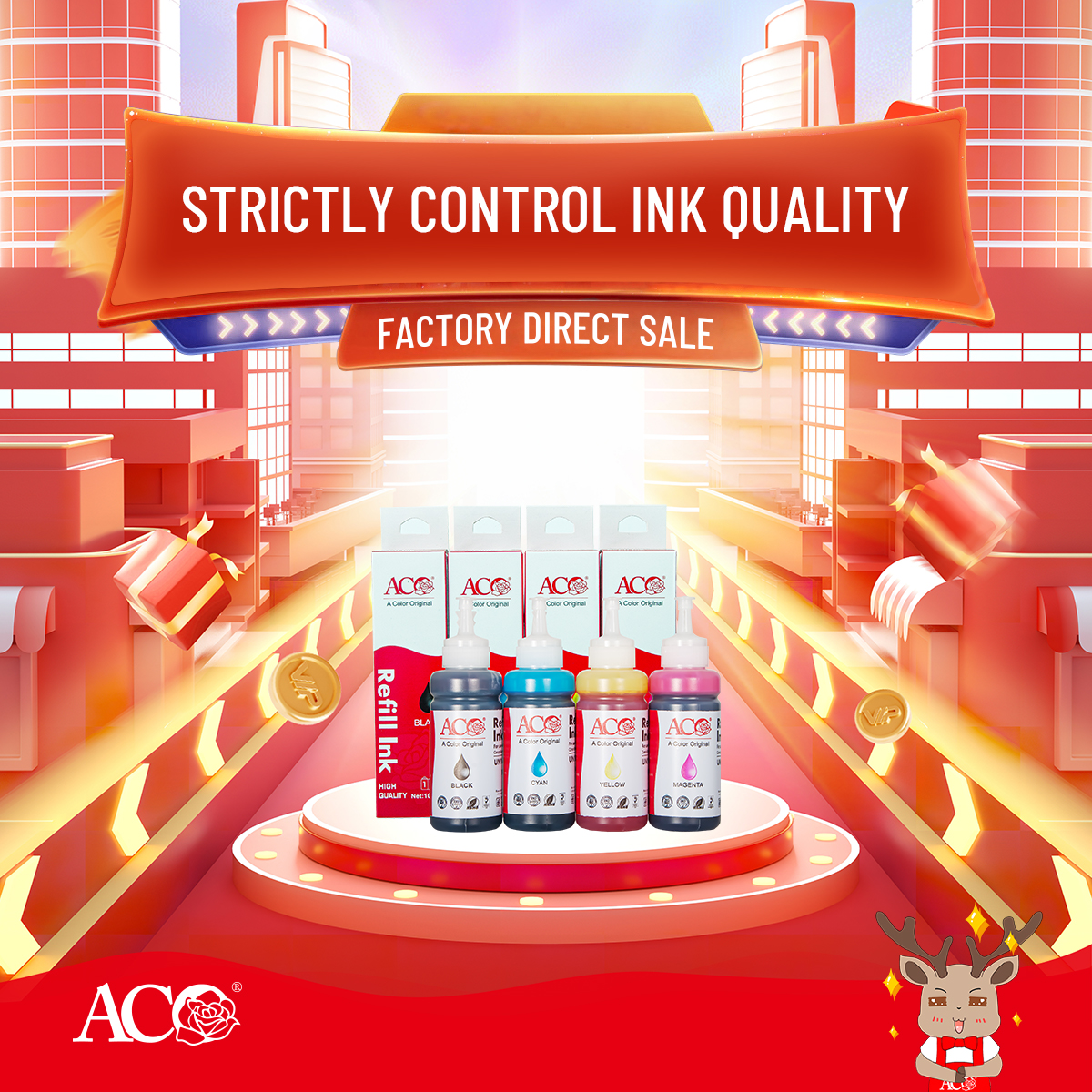
5. Choose High-Quality Consumables
Stable ink and consumables reduce duplicate printing, blurry prints, and printhead clogging, reducing waste at the source.
By optimizing usage habits and consumable selection, ink waste can be significantly reduced and printing efficiency improved.
ACO printing inks excel in stability and utilization, helping users achieve a more efficient and economical printing experience.