 VI
VI  EN
EN  DE
DE  IT
IT  FR
FR  RU
RU  ES
ES  JA
JA  PT
PT  KO
KO  DA
DA  TH
TH  MN
MN  AR
AR Many users immediately assume that lighter colors or faded text during printing is a toner cartridge problem. However, decreased print quality can be caused by a combination of factors, not just the toner cartridge.
1. Insufficient Toner: When a toner cartridge has been used for a long time and the toner is nearly depleted, the print density gradually decreases, resulting in lighter text or less clear images.
2. Abnormal Toner Quality or Distribution: Toner particle size, formulation stability, and development uniformity all affect print density. Insufficient toner flowability can lead to uneven or grayish prints.
3. Printer Settings: Some printers, when in Toner Save Mode, will automatically reduce toner usage, resulting in lighter print colors.
4. Paper Absorption: Paper surface treatment, humidity, and quality all affect toner adhesion. Unsuitable paper can lead to decreased print quality.
5. Printer Internal Component Status:An abnormality in the fuser assembly, transfer assembly, or photosensitive components can also cause insufficient print density.
When print colors appear lighter, first check the test page, consumable status, and print settings, rather than simply assuming it's a toner cartridge malfunction. Finding the root cause is crucial for effectively resolving print quality issues.
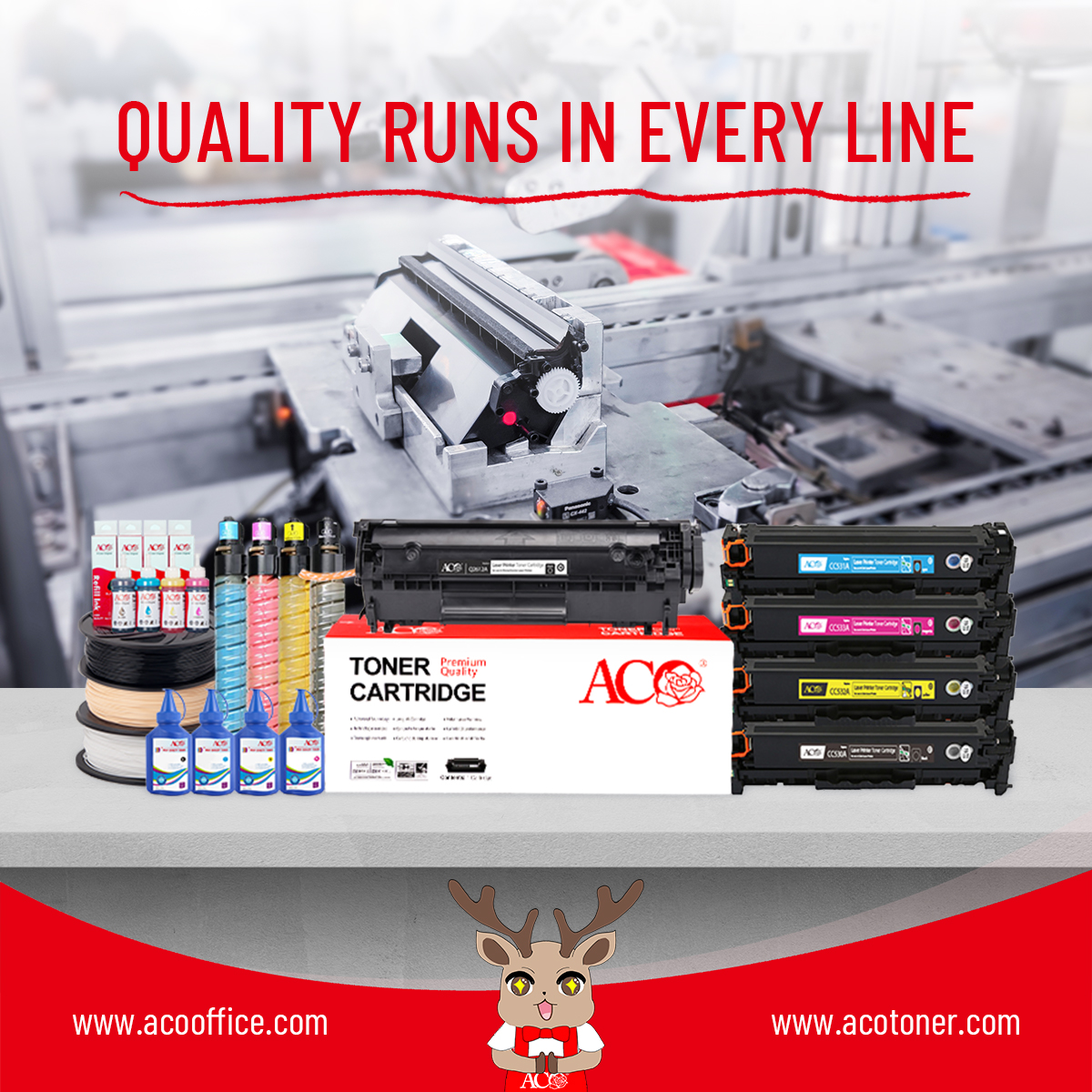
ACO toner cartridges prioritize toner formulation, core component matching, and quality stability control to provide users with a clear and consistent printing experience.