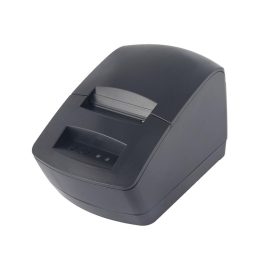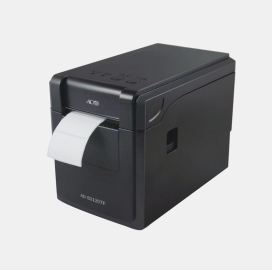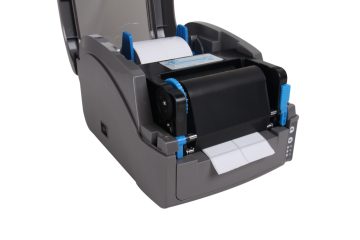
ACO AD-B2120TF Barcode Printer Specification

Packing List Printer 1PC Power Adapter 1PC USB Cable 1PC Power Cable 1PC User's Manual(Including Warranty card, Certification) 1PC Main Features Support thermal paper roll / Adhesive paper Simultaneously meets different needs in the range of media width 25~60mm, easy to operate Automatic paper calibrate function Label and bill printing 2 in 1 With U disk function, USB drive with driver and installation […]

Inkjet Printer Maintenance Knowledge

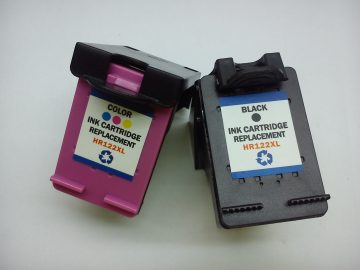
Inkjet printers are much more expensive than laser printers. In addition to the maintenance of the machine during the maintenance process, the use environment must also be clean, mainly to ensure that the inkjet printer is in use, the nozzle does not cause plugging due to dust in the air. 1. Do not expose the […]

How To Use The Label Printer?

First, install software, drivers 1. Insert the CD into the CD-ROM drive. If it does not start automatically, open the file on the CD-ROM and double-click "Setup.exe". Installation tips Step by step to install the P-touch software. 2. Follow the prompts to select the labeler driver model. When prompted, connect your label printer to the […]

ปัญหาทั่วไปของโทนเนอร์และวิธีแก้ไข

1. Problem: bottom ash Reasons: low humidity, high temperature; PCR (charge roller) defects; magnetic roller sheath and coating defects; PCR or corona electrical contact defects; OPC (photosensitive drum) defects; poor carbon powder, carbon powder mixed; Solution: Best RH=50-60%; replace defective parts; replace toner; check high voltage power supply. 2, the problem: ghost Reasons: cleaning blade, […]

How to Maintain A Barcode Printer?

1. The printing environment should be good. And The machine couldn't be put in a place where the sun is shining or the sun is shining. 2. The printer's print head and roller should be cleaned regularly, and the dust in the machine should be cleaned frequently. After cleaning the printer, it is best to […]

The Color of the Printing Is Very Light

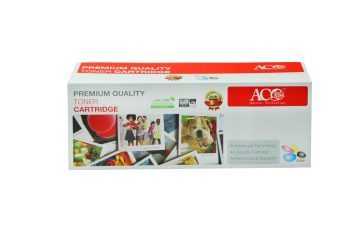
Toner cartridge First, tell if the printer is a laser printer or an inkjet printer. First, inkjet printer Shallow color reasons: 1. The amount of toner is insufficient, 2. Cartridge toner is damp and agglomerated 3. The cartridge is dry 4. The print nozzle is blocked Solution: Replenish the cartridge toner / clean the print […]

วีแชท
วีแชท
ไปด้านบน